Reaper Embedded Mode
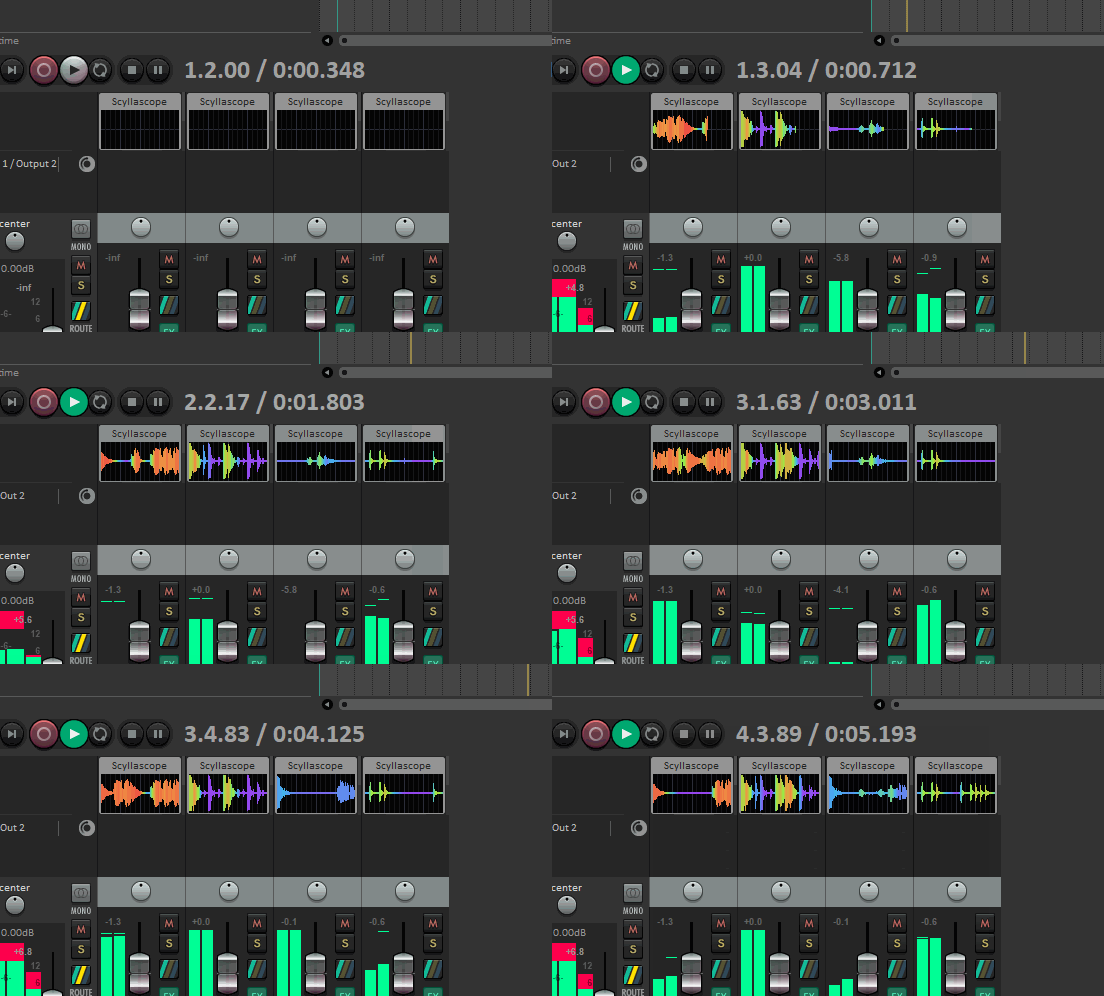
Scyllascope supports Reaper's embedded FX interface, allowing you to display the oscilloscope directly in the TCP (Track Control Panel) or MCP (Mixer Control Panel) without opening a separate plugin window.
WARNING
Embedded mode is only available in the VST3 version of the plugin.
How to enable
- Add Scyllascope to a track's FX chain.
- Right-click the FX insert on the track.
- Select Show embedded UI in TCP or Show embedded UI in MCP.
The oscilloscope will appear directly in the track panel or mixer strip. You can resize the embedded area by dragging the track height (TCP) or strip width (MCP).