Mode Selector
Scyllascope operates in two main modes, each with an additional sub-mode.
Sync
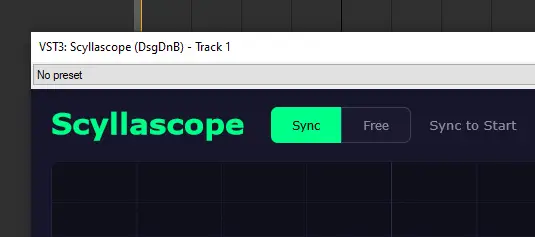
Synchronizes with the DAW transport. The waveform follows the playhead position, so it only runs during arrangement playback. The visible time range is determined by the Division Selector.
Sync to Start
A sub-mode that compensates for plugin delay compensation (PDC) issues in Ableton Live. The waveform stays synchronized with the transport but renders from the beginning of the buffer, correcting for the latency offset.
Free
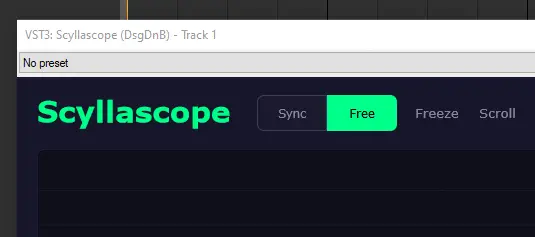
Activates as soon as audio enters the plugin, regardless of the DAW transport state. Useful for monitoring live input — for example, previewing a synth sound without hitting play.
Freeze
Pauses the current waveform in place. The buffer stops updating, so you can examine a specific moment of the signal without it being overwritten by new audio.
Scroll
A sub-mode where the waveform continuously scrolls from right to left, like a real-time feed. New audio appears on the right edge and moves across the display.