Zoom & Navigation
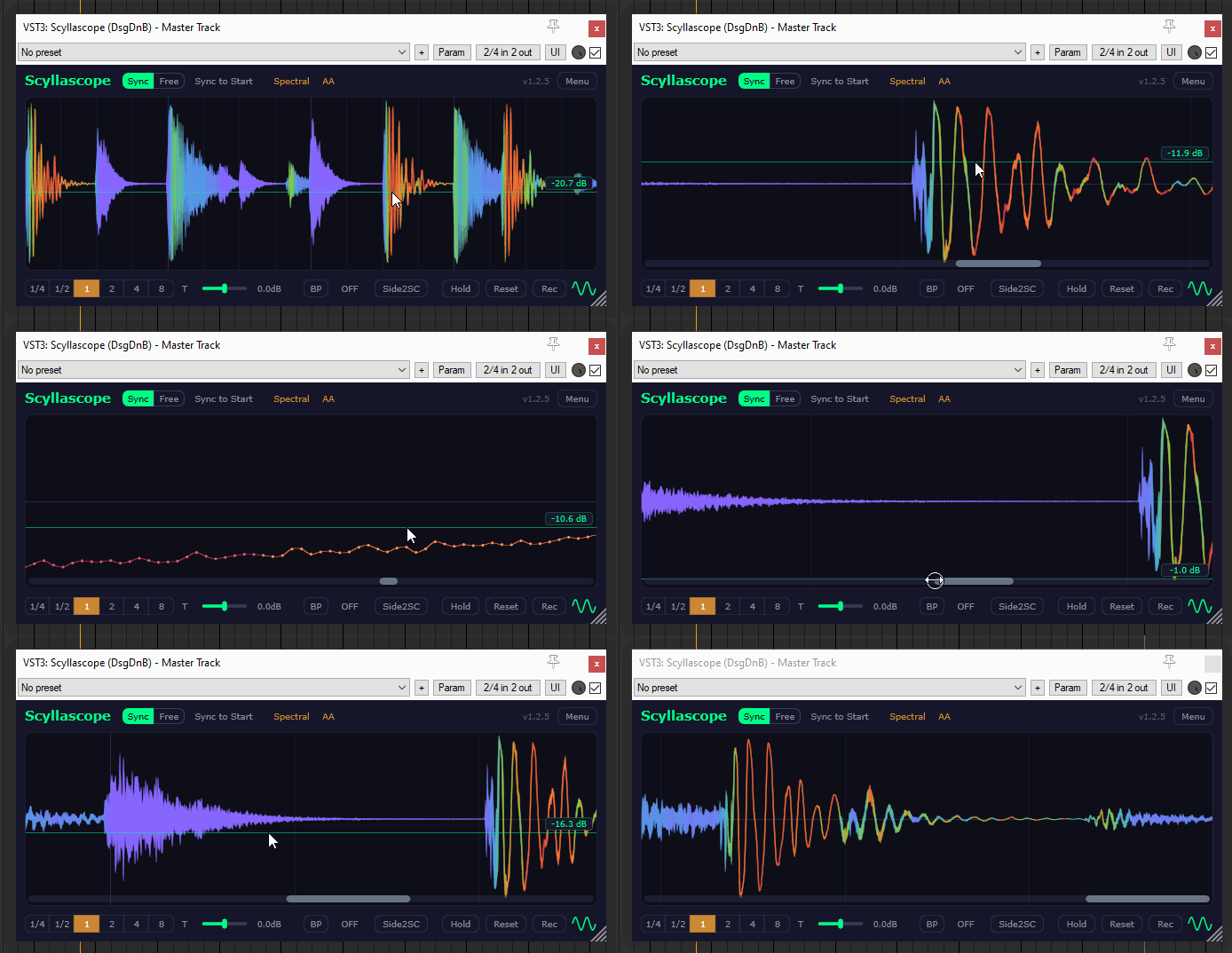
You can zoom all the way down to individual samples — there is no limit.
Controls
- Mouse Wheel — zoom in/out at the cursor position.
- Left Click + Drag — zoom and pan in one gesture.
- Shift + Mouse Wheel — scroll horizontally.
- Scrollbar edges — drag the left or right edge of the scrollbar to zoom from that side.
- Scrollbar body — drag to pan across the waveform.