Hold & Reset
Hold
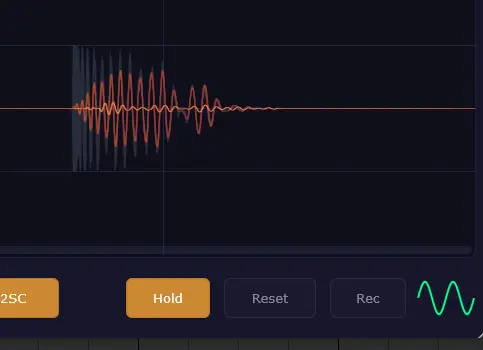
Captures the current waveform state and keeps it as a background reference. While Hold is active, the live waveform continues to draw on top, so you can compare before and after — for example, to see how a compressor or EQ changes the signal shape. Turning Hold off clears the captured waveform.
Reset
Clears the live waveform buffer. Does not affect the Hold snapshot.