Time Selection
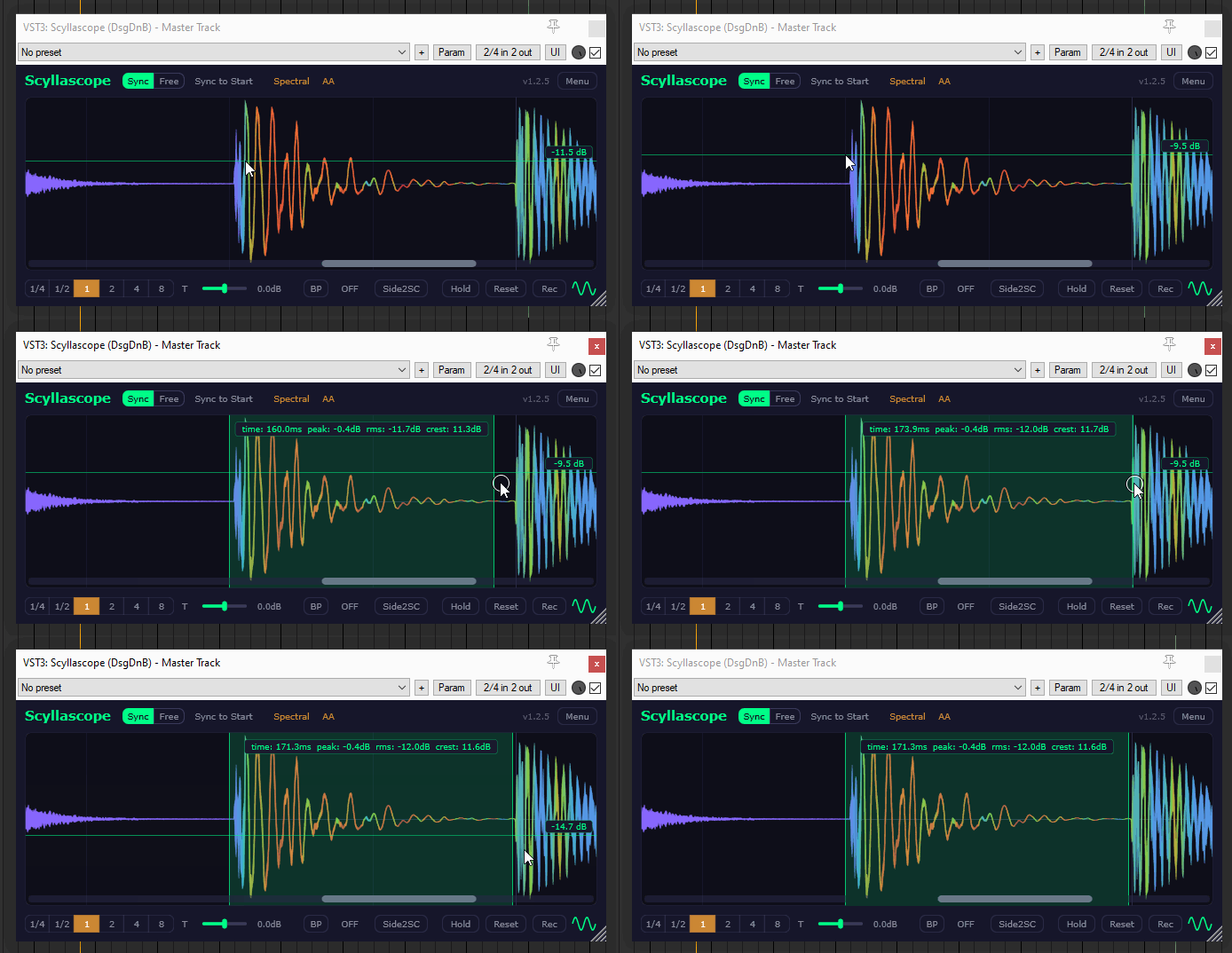
Select a region of the waveform by holding Ctrl + Drag (on macOS: ⌘ Cmd + Drag). You can resize the selection by dragging its edges, and click outside to deselect. All measurements update in real time.
The selection overlay shows the following:
- Time — duration of the selected region in milliseconds.
- Peak — the highest sample value in the selection, in dB.
- RMS — Root Mean Square level, representing the perceived loudness of the selection.
- Crest — the difference between Peak and RMS in dB. A high crest factor means the signal has sharp transients relative to its average level. A low crest factor means the signal is more compressed or saturated.