BP (Bandpass Filter)
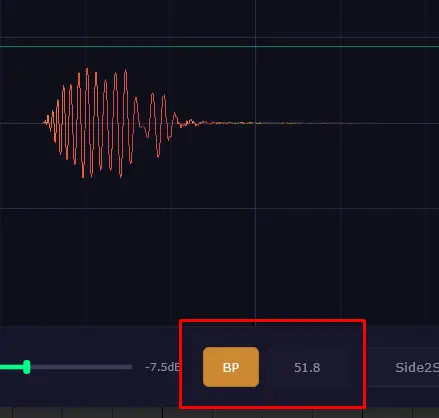
A visual bandpass filter that isolates a frequency range on the waveform display. The filter does not affect the audio output — it only changes what you see. Useful for checking how your kick drum and bass interact, spotting phase issues, and focusing on specific frequency ranges.
Controls
- Click the BP button to toggle the filter on/off.
- Drag the frequency knob to the right of the button to adjust the cutoff. While dragging, the filter is temporarily applied to the audio output so you can hear what you're isolating. Once you release, the audio returns to normal — only the display stays filtered.
TIP
Since version 1.2.6, dragging the frequency does not toggle BP on — you can quickly preview a frequency range without extra clicks.
- Ctrl + Click (on macOS: ⌘ Cmd + Click) to toggle persistent listening mode — the filter stays applied to the audio output. Use Ctrl + Click again to turn off listening while keeping the filter active. A regular Click disables the filter entirely.