Themes
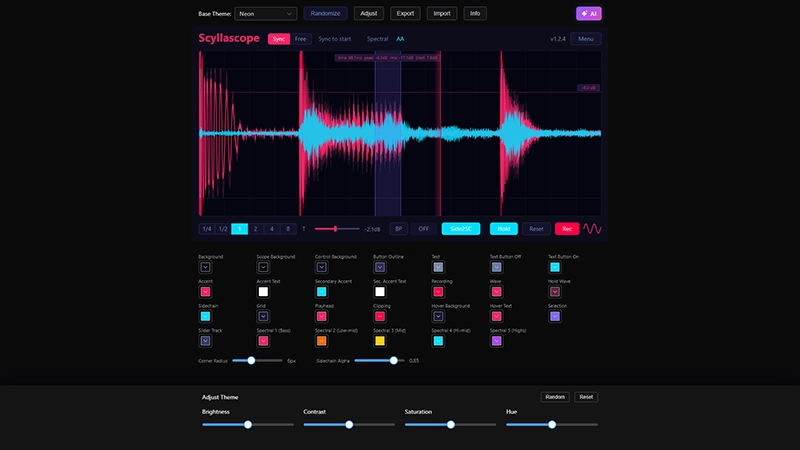
Scyllascope supports custom color themes. You can create your own theme and it will appear in the Menu → Theme list automatically — no need to reload the plugin.
Getting started
- Open Menu → Theme → Open Themes Folder.
- Inside you will find
mytheme.json.example— a ready-made template. - Copy it and save with a
.jsonextension, e.g.mycooltheme.json. - Edit the colors to your liking and save the file.
- The theme will appear in the Theme menu right away.
Online Editor
You can also use the Theme Editor to create and preview themes visually in your browser.
Community Themes
Browse and share themes with other users at VSTSkins.space.