lzScope
A free stereo oscilloscope plugin in the CLAP format for Windows, macOS and Linux. Small, fast, written entirely in Free Pascal.
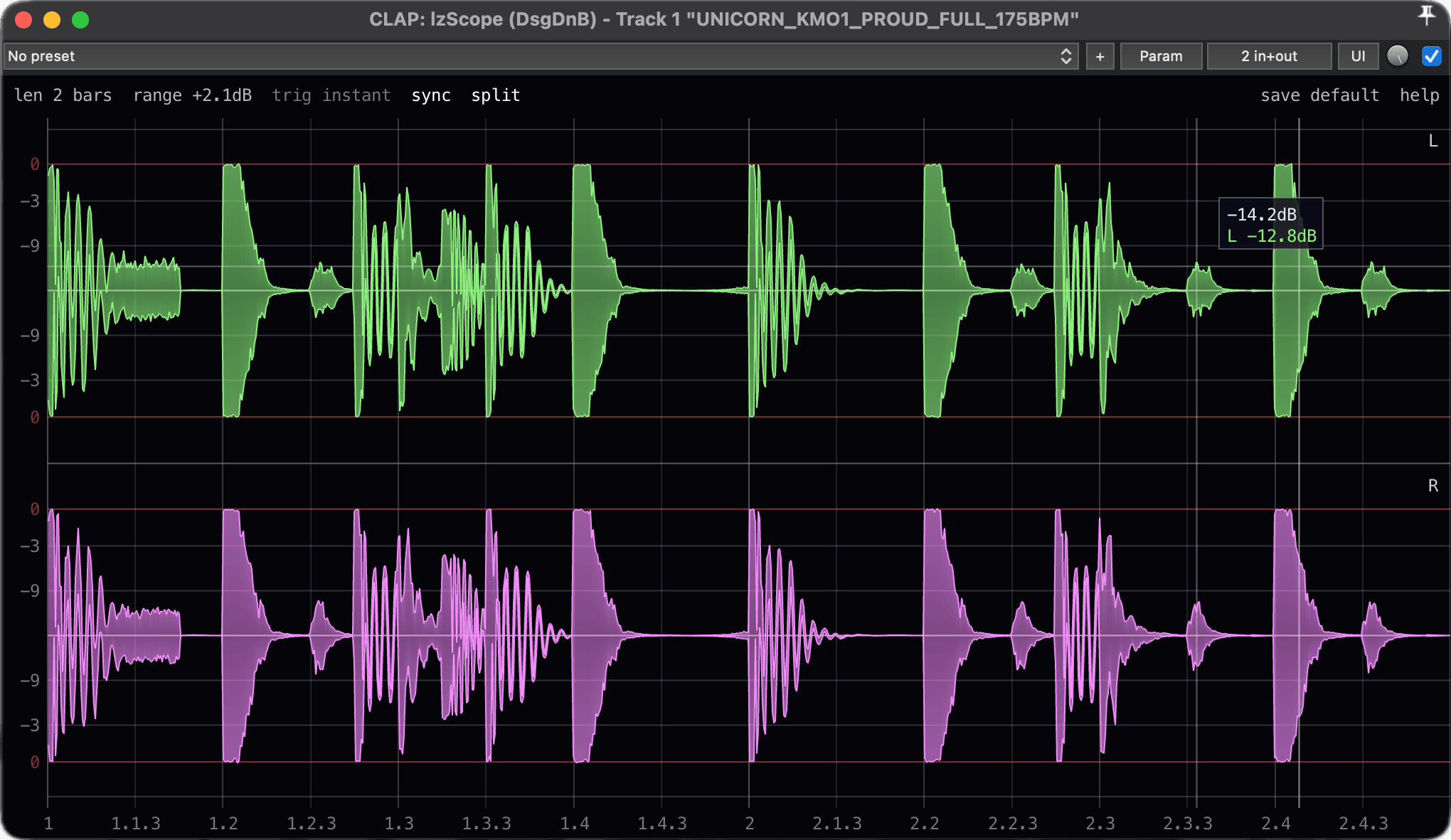
Features
- Stereo waveformLeft and right channels overlaid, or split into two lanes.
- Sync to the hostThe view locks to the song's bars, from 1/4 bar to 8 bars, with a playhead.
- Deep zoomFrom 5 seconds down to single samples; level range from -60 to +36 dB.
- Trigger modesInstant, any, ascending or descending zero crossing.
- Hold and scrubFreeze the picture, drag back through 20 seconds of history, zoom under the cursor.
- Crosshair readoutLevel, time, frequency and per-channel peak at the cursor.
- Your defaultsSave the current settings as the starting point for new instances.
- LightweightA single file of about 200 KB, GPU-drawn, sharp at any display scale.
Download and install
Windows
7 or later, 64-bit.
Copy lzscope.clap to C:\Program Files\Common Files\CLAP
macOS
10.13 or later on Intel, 11 or later on Apple Silicon.
Copy lzScope.clap to ~/Library/Audio/Plug-Ins/CLAP
Linux
64-bit x86, glibc 2.34 or later, X11 or XWayland.
Copy lzscope.clap to ~/.clap
- Download the zip for your system and unpack it.
- Copy the plugin into the CLAP folder shown above; create the folder if it is not there.
- Restart your DAW or rescan plugins. lzScope is listed under the vendor DsgDnB.
Works in any CLAP host: REAPER, Bitwig Studio, FL Studio and others. Needs OpenGL.